
With Agroforestry Maps you can create interactive maps with 3D models of agroforestry systems. GIS based 3D models can provide a lot of information about a specific agroforestry system, like spatial arrangement of species in the system, tree spacing, height and coverage of the tree canopy and space for other activities in the system like crops or grazing. The 3D models are a fast way to convey a lot of information about an agroforestry system. It can be used to quickly and accurately communicate technical details about specific agroforestry systems to fellow farmers, the public or potential clients.
Setup your Agroforestry Map the way that suits you
Agroforestry Maps offer several options for setting up your map. Depending on whether you already have an existing map that you want to integrate 3D models into or if you want a fully hosted map solution.
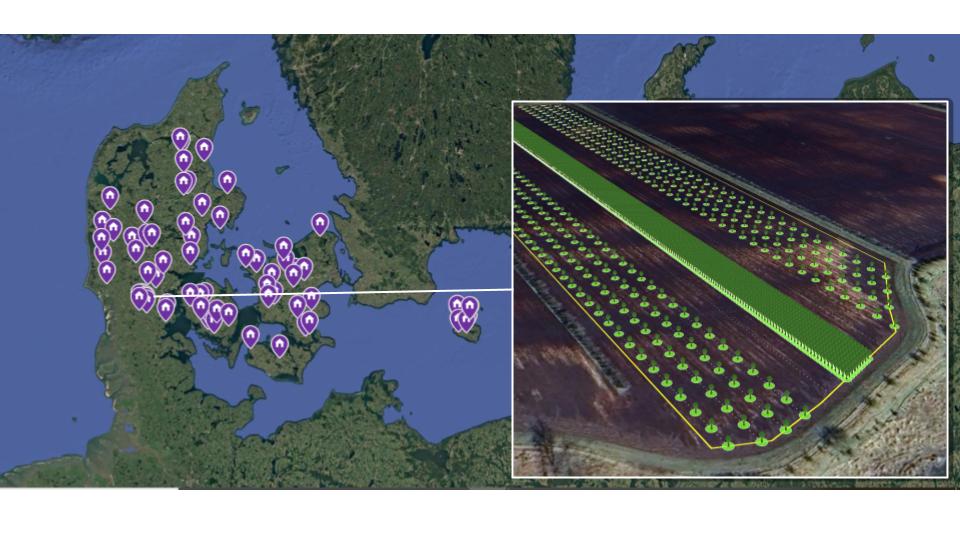
Integrate 3D models into your existing web-map
If you already have your own existing agroforestry map, the best solution can be to integrate the 3D agroforestry models through our widget.
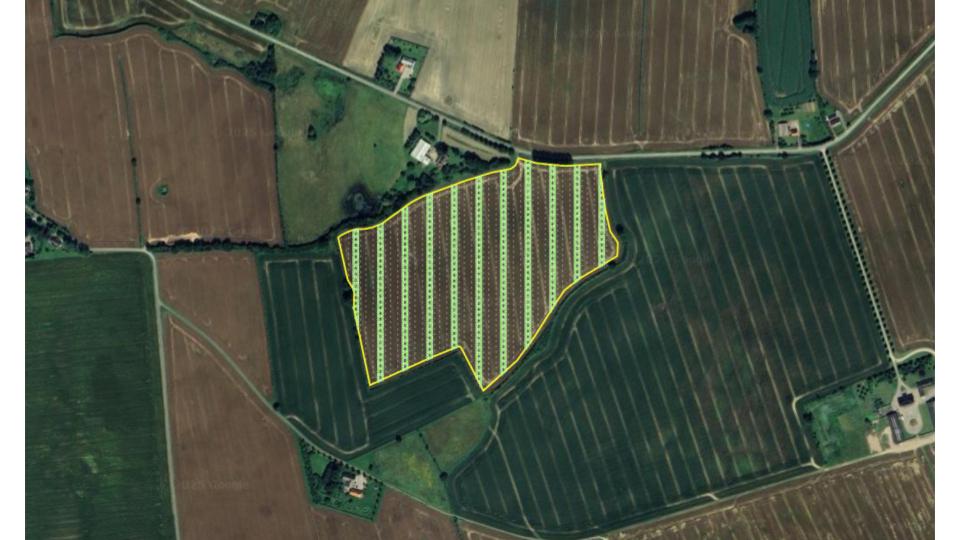
Fully hosted stand-alone map with 3D models
If you don’t have an existing map or want to migrate an existing map to an integrated solution, the fully hosted Agroforestry Map solution might be for you.
Use cases
For coops and associations
Shared and collaborate with members
Create a shared overview of members agroforestry systems in 3D. This can be used to showcase your work to the public or as an internal tool to share knowledge about members agroforestry systems.
- Create maps with 3D agroforestry models for internal or external use.
- Link the map with several RegenWorks accounts.
For Agroforestry Advisors
Showcase your portfolio to potential clients
Advisors and consultants can use Agroforestry maps to showcase the projects they have implemented.
- Create a customized map that shows 3D models of your projects.
- Integrates directly with RegenWorks and the projects you do there.